
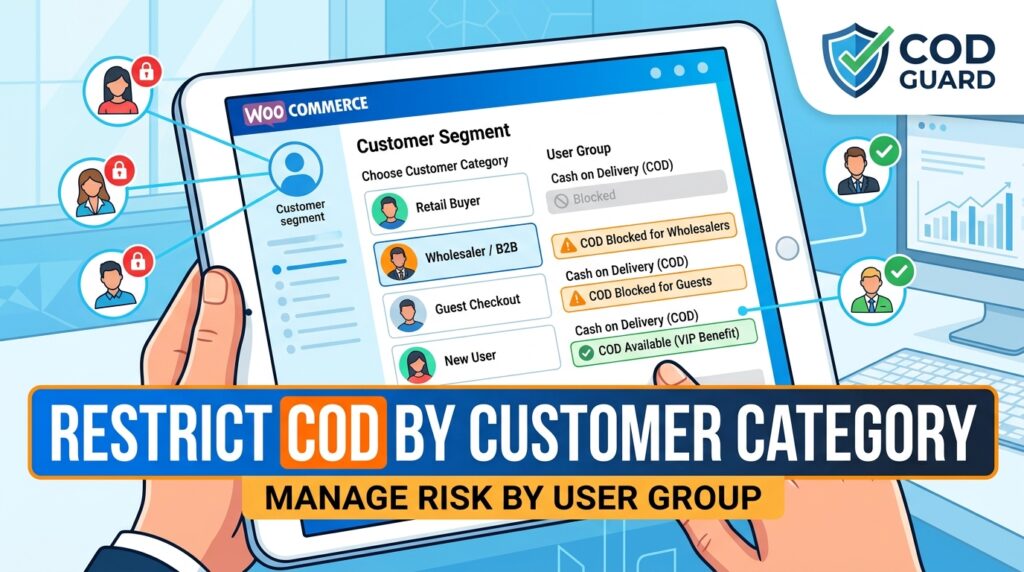
Offering uniform Cash on Delivery terms across every customer group exposes your business to unnecessary financial risks. However, many store owners struggle to tailor payment gateway access to distinct buyer classifications.
For example, allowing new unverified guest buyers or high-risk B2B groups to use cash options leads to higher order cancellation rates and logistics losses.
Consequently, learning how to restrict COD by customer category in WooCommerce allows you to enforce strict payment conditions across different buyer segments.
Therefore, setting up customer category Cash on Delivery rules protects your delivery budget and reserves flexible payment options for verified VIP accounts.
In this guide, you will learn how segment-based gateway rules mitigate order risks. Furthermore, discover how to restrict Cash on Delivery by customer category using COD Guard.
Why Customer-Based Gateway Rules Protect Store Revenue
Treating new accounts, wholesale clients, and long-term loyal shoppers identically under cash delivery policies creates operational inefficiencies. In contrast, dynamically managing payment gateways based on customer classifications ensures risk is contained across all sales channels.
In fact, implementing category-specific Cash on Delivery rules delivers three key business advantages:
- Mitigate B2B and Wholesale Fulfillment Risk: First, force upfront prepaid digital payment on large bulk buyer categories to guarantee cash flow prior to dispatch.
- Protect Revenue from Unverified Account Types: Second, disable cash payments for guest accounts or newly registered buyer groups with unverified histories.
- Reward Trusted Customer Classifications: Finally, provide Cash on Delivery access exclusively to verified VIP or subscription member groups.
How COD Guard Controls Gateway Availability by Segment
Setting up custom user group payment filters in core WooCommerce requires writing tedious code functions. Fortunately, COD Guard for WooCommerce handles segment-level payment controls through a clear, simple dashboard.
Key Customer Control Features in COD Guard:
- Customer Group & Role Targeting: First, select specific user roles or customer classifications that automatically trigger COD gateway restrictions.
- Guest vs Registered User Rules: Second, restrict cash options for unregistered guest checkouts while keeping them active for logged-in users.
- Custom Segment Messages: Third, display targeted checkout notices explaining why cash payments are restricted for specific account categories.
- Cart Total Exclusions: In addition, override category restrictions when orders meet pre-approved minimum expenditure limits.
- Multi-Condition Safeguards: Finally, layer customer category rules with cart subtotals or shipping zones for maximum checkout defense.
3 Simple Steps to Lock Down Segment-Based COD Today
- Identify High-Risk Customer Segments: First, evaluate order metrics to isolate buyer classifications generating high cancellation rates.
- Configure COD Guard Category Rules: Next, map your restricted user groups or customer categories inside the plugin rule panel.
- Verify Account Checkout Controls: Finally, test checkouts using various customer profiles to confirm cash gateways disable as configured.
Secure Your Store Payments Today
Stop exposing your inventory to non-guaranteed cash orders from unverified or high-risk customer groups. Instead, restrict payment gateways by customer category and secure your revenue with COD Guard today.
Additionally, you can protect order margins across spending levels. For example, read our detailed guide on how to restrict COD by subtotal in WooCommerce to enforce minimum and maximum cart value boundaries for cash checkouts.