
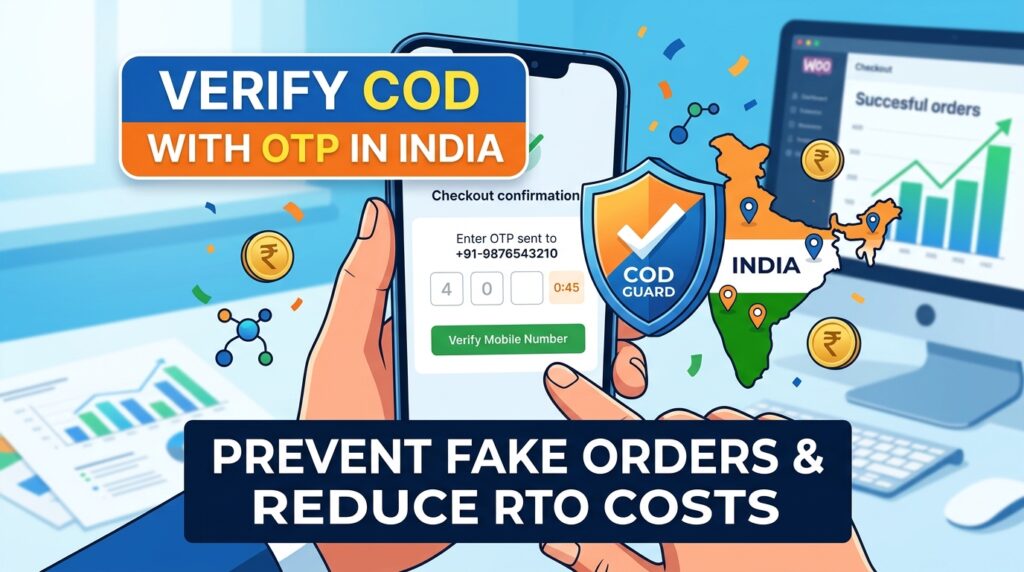
Cash on Delivery dominates the Indian e-commerce landscape, driving higher sales volumes across Tier 1, 2, and 3 cities. However, unverified cash orders frequently result in incorrect phone numbers, fake addresses, and devastating Return to Origin (RTO) shipping fees.
For example, shipping cash orders without verifying buyer phone numbers leads to delivery partners reporting “Customer Unreachable,” forcing return freight expenses directly onto your store.
Consequently, learning how to set up COD OTP verification in India for WooCommerce ensures every cash order is backed by a verified mobile number before dispatch.
Therefore, requiring One-Time Password (OTP) verification on cash checkouts slashes RTO percentages and stops fraudulent orders from locking up your valuable inventory.
In this guide, you will learn how SMS and WhatsApp verification workflows secure cash checkout flows in India. Furthermore, discover how to configure OTP rules for Indian customers using COD Guard.
Why Mobile OTP Verification Is Essential for Indian E-Commerce Stores
Accepting cash checkouts without buyer verification leaves your fulfillment operations vulnerable to impulse buyers and fake addresses. In contrast, validating mobile numbers via instant SMS or WhatsApp messages confirms buyer intent before order confirmation.
In fact, implementing phone number verification for Cash on Delivery in India provides three key commercial benefits:
- Drastically Reduce RTO and Logistics Expenses: First, filter out non-existent phone numbers and invalid addresses prior to order packing and courier dispatch.
- Filter High-Risk Indian Pin Codes: Second, require mandatory OTP validation specifically for non-serviceable or high-risk 6-digit Indian postal codes.
- Incentivize Instant UPI Payments: Third, prompt unverified buyers or customers reluctant to enter OTPs to switch to seamless, instant UPI payment options.
How COD Guard Controls COD Verification in India
Writing custom SMS gateway integrations and hooking them into default WooCommerce payment flows requires expensive development resources. Fortunately, COD Guard for WooCommerce simplifies mobile number verification and location rules through an intuitive setting panel.
Key Features for Indian Merchants in COD Guard:
- Instant SMS & WhatsApp OTP Verification: First, trigger automated, fast OTP verification prompts directly on the checkout screen prior to order placement.
- Pin Code-Based OTP Triggers: Second, require OTP validation exclusively for specific high-risk Indian pin codes or state regions while bypassing trusted zones.
- Cart Value Verification Rules: Third, enforce mandatory mobile verification only when cash order subtotals exceed specific rupee thresholds (e.g., orders above ₹1,999).
- Flexible Indian SMS Gateway Integration: In addition, connect seamlessly with popular Indian SMS providers like MSG91, Textlocal, or Fast2SMS.
- Custom Regional Checkout Messages: Finally, present clear bilingual notices explaining why phone verification is required to complete the cash order.
3 Simple Steps to Enable COD OTP Verification in India Today
- Connect Your Preferred SMS Gateway: First, link your Indian SMS gateway API credentials inside the plugin configuration settings.
- Set Up COD Guard Verification Rules: Next, define trigger conditions such as order total thresholds, specific customer groups, or target Indian pin codes.
- Verify Checkout Phone Validation: Finally, place a test cash order with an Indian mobile number to confirm the OTP prompt sends and validates smoothly.
Eliminate Fake Cash Orders in India Today
Stop letting bogus cash orders and invalid phone numbers drain your shipping margins and spike your RTO rates. Instead, verify buyer intent on every cash checkout and secure your Indian deliveries with COD Guard today.
Additionally, you can prepare your store for massive seasonal shopping spikes. For example, read our detailed guide on how to auto add free gifts on cart for Black Friday in WooCommerce to boost average order values and maximize holiday campaign conversions.