
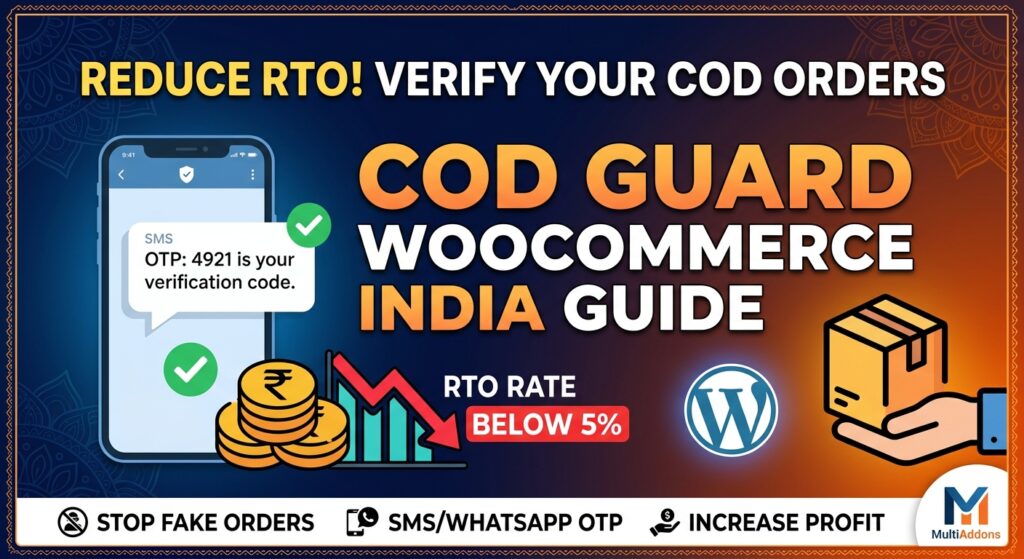
Cash on Delivery (COD) remains the preferred payment method for over 60% to 70% of e-commerce shoppers in India. While offering COD is essential to capturing sales and building trust with Indian consumers, it comes with a major profitability killer: Return to Origin (RTO).
Non-delivery of COD packages due to fake addresses, impulse buying, or rival store spam can cost Indian merchants between ₹100 to ₹300 per returned shipment in forward and reverse logistics fees.
To solve this problem, WooCommerce merchants are turning to COD Guard—a powerful order validation and OTP verification tool designed to verify customer intent before shipping.
In this guide, we examine how COD Guard works for WooCommerce stores in India and how you can configure it to eliminate non-genuine orders.
Why RTO is a Silent Profit Killer for Indian WooCommerce Stores
In India’s e-commerce landscape, high RTO rates directly hit your bottom line in three ways:
- Wasted Logistics Costs: You pay logistics partners (Shiprocket, Delhivery, Shadowfax) both forward and return freight charges.
- Blocked Inventory: Products stuck in transit for 7–14 days cannot be sold to genuine buyers.
- Damaged Goods: Fragile items often suffer damage during double transit.
Without proper COD verification, RTO rates in India frequently reach 20% to 30%. Implementing COD Guard helps push that number down below 5%.
Key Features of COD Guard for Indian E-Commerce Stores
Using COD Guard on your WooCommerce site equips you with robust tools specifically built to target common Indian fraud patterns:
1. SMS & WhatsApp OTP Verification
Before an order is confirmed, COD Guard triggers an instant One-Time Password (OTP) via SMS or WhatsApp to the customer’s Indian mobile number (+91). Orders are only marked as confirmed when the correct OTP is entered.
2. Smart Risk Scoring & Order Restrictions
COD Guard lets you set automated criteria to restrict or flag high-risk orders:
- Order Value Limits: Require prepayments or forced OTP verification for high-value orders (e.g., above ₹3,000).
- Pincode Filtering: Disable COD for high-risk or remote pincodes where logistics partners frequently record non-deliveries.
- Customer History Audit: Restrict COD for buyers who previously failed or cancelled COD deliveries.
3. Partial Prepayment Options
Convert risky COD shoppers into prepaid customers by charging a small upfront commitment fee (e.g., ₹50 or ₹100 via UPI) at checkout, with the remaining balance collected upon delivery.
Step-by-Step Setup: Configuring COD Guard in India
Getting COD Guard configured for your WooCommerce store takes only a few simple steps:
- Install COD Guard: Purchase and install the extension via the official WooCommerce Marketplace.
- Connect Gateway / API: Connect your preferred Indian SMS/WhatsApp gateway (e.g., Twilio, Fast2SMS, Msg91).
- Set Threshold Rules: Navigate to
WooCommerce > Settings > COD Guardand define:- Minimum & maximum order limits for COD eligibility.
- Automated OTP triggers for first-time buyers.
- Customize Verification Messages: Personalize the OTP SMS text in Hindi or English to maintain brand voice.
Maximize Peak Season Profits: Preparing for Indian Festive & Holiday Sales
Peak shopping periods like Diwali and upcoming Q4 mega sales generate massive spikes in COD orders. Failing to verify orders during rush periods leads to catastrophic RTO rates.
Pro Tip for Q4 Prep: Combining strict COD validation with seasonal pricing strategies ensures maximum conversion. Learn how to prepare your store for peak traffic surges in our comprehensiveBlack Friday 2026 WooCommerce Strategy Guide.
Final Thoughts
Offering Cash on Delivery in India is mandatory if you want to scale your WooCommerce business, but unverified COD orders will erode your margins. By integrating COD Guard For WooCommerce, you protect your stock, cut logistics overhead, and ensure that every order shipped turns into actual revenue.
Explore more store enhancement plugins and add-ons at MultiAddons to supercharge your WooCommerce performance today!