
Offering Cash on Delivery (COD) helps e-commerce brands build instant buyer trust and expand into international markets. However, allowing unverified cash checkouts on heavy or bulky products creates severe financial risk for your logistics operations.
For example, fulfilling oversized furniture, heavy machinery, or bulk shipments on cash terms frequently leads to expensive refused deliveries, where you must pay double freight for return shipping (RTO).
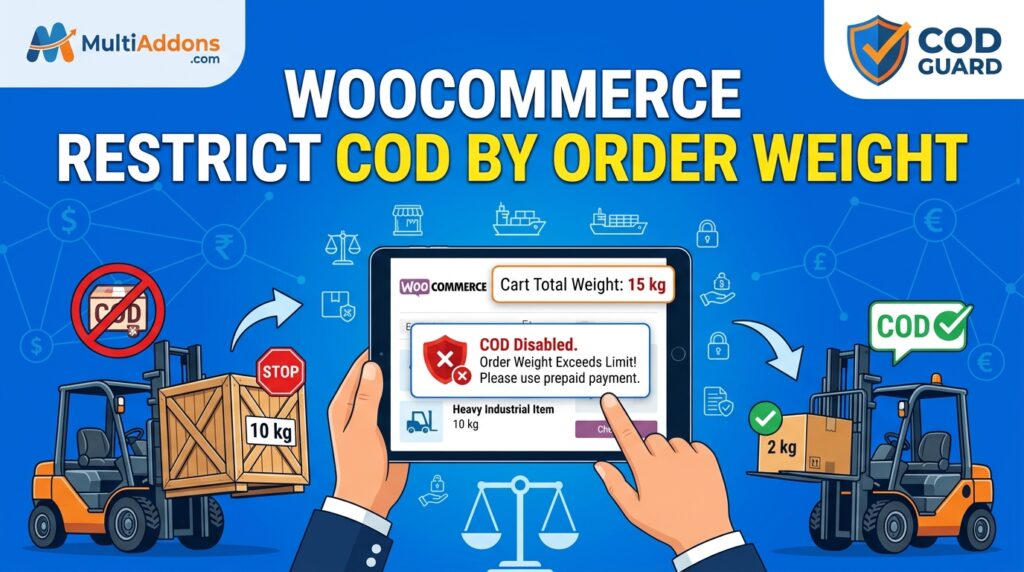
Consequently, learning how to restrict COD by order weight in WooCommerce allows you to enforce prepaid digital payment specifically when cart weight exceeds custom safety thresholds.
Therefore, setting up weight-based payment gateway rules protects your freight margins and keeps cash payment active for lightweight, low-risk inventory.
In this guide, you will learn how cart weight controls safeguard global fulfillment operations. Furthermore, discover how to configure dynamic weight rules using COD Guard for WooCommerce.
Why Weight-Based COD Restrictions Are Essential Worldwide
Shipping oversized or heavy parcels involves significant upfront courier fees. In contrast to prepaid transactions where freight charges are guaranteed, unconfirmed cash orders on heavy inventory expose your business to massive return charges if a buyer rejects the delivery.
In fact, implementing weight-based Cash on Delivery rules provides three core operational advantages:
- Eliminate Heavy Return Freight Losses: First, mandate credit card or digital wallet payment on heavy items so return shipping fees never eat into your profits.
- Protect Logistics Capital on Bulk Orders: Second, prevent wholesale or multi-item bulk orders from checking out via cash without prior confirmation.
- Maintain Courier Efficiency: Third, ensure high-weight parcels are dispatched only to committed buyers who have already paid upfront.
Strategic Weight Restriction Rules for WooCommerce
To protect your freight pipeline without disturbing small-item checkouts, implement three main weight-based rule configurations:
1. Maximum Cart Weight Safety Caps
Set a storewide weight limit (e.g., 10 kg / 22 lbs). When the total cart weight surpasses this limit, Cash on Delivery is automatically hidden at checkout.
2. Tiered Weight & Category Rules
Combine cart weight thresholds with specific categories (e.g., allow cash up to 5 kg for clothing, but cap cash at 2 kg for heavy electronics or liquids).
3. Mixed-Cart Freight Handling
Choose whether cash options are disabled when any single item exceeds your weight boundary or only when the combined subtotal weight crosses the limit.
How COD Guard Automates Order Weight Controls Globally
Configuring conditional payment rules based on total cart weight in default WooCommerce requires custom PHP coding or heavy server hooks. Fortunately, COD Guard for WooCommerce handles weight-based gateway logic through a simple visual interface.
Key Weight Control Features in COD Guard For WooCommerce:
- Min/Max Cart Weight Boundaries: First, define exact minimum and maximum weight triggers (in kg, lbs, or grams) to restrict cash availability dynamically.
- Unit Conversion & Multi-Currency Handling: Second, handle international shipping weight metrics seamlessly across all store regions.
- Category & SKU Weight Overrides: Third, target specific bulky categories or high-density SKUs without affecting standard product lines.
- Custom Checkout Banners: In addition, display clear, localized messages informing buyers why heavy orders require digital online payment.
- Multi-Condition Rule Layering: Finally, combine cart weight limits with postal codes, cart subtotals, or order history triggers into unified risk rules.
3 Simple Steps to Restrict COD by Order Weight Today
- Audit Product Weights & Freight Costs: First, identify the cart weight threshold where return shipping costs become unacceptably high for cash orders.
- Configure Weight Rules in COD Guard: Next, enter your minimum/maximum weight boundaries in the plugin dashboard and save settings.
- Verify Checkout Gateway Triggers: Finally, test checkouts with various item weights to confirm cash gateways disable smoothly when limits are exceeded.
Secure Your Logistics Margins Today
Stop letting heavy return shipping fees drain your shipping budget and lock up cash flow. Instead, restrict payment methods by cart weight and secure your profit margins worldwide with COD Guard today.
Additionally, you can restrict cash deliveries in non-serviced or high-risk geographic locations. For example, read our complete guide on how to restrict COD by postal code in WooCommerce to block cash options by ZIP code or postal region.