
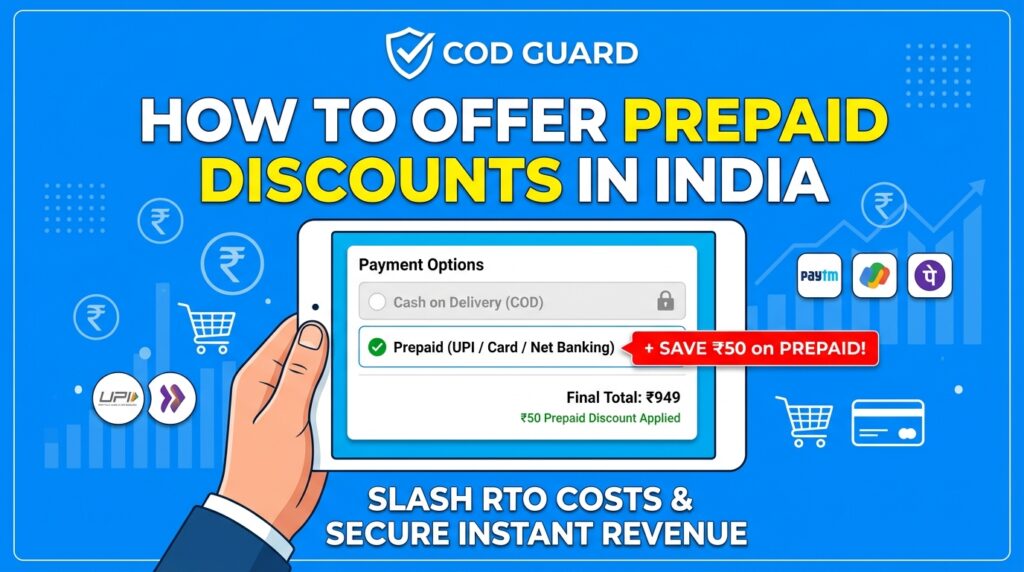
Offering Cash on Delivery (COD) is a proven way to increase checkout conversion rates and build trust with international buyers. However, unverified cash orders frequently result in incorrect buyer contact details, impulsive cancellations, and expensive return shipping fees.
For example, fulfilling cash orders without verifying customer intent often leads to delivery failure rates exceeding 20% to 30%, which quickly drains operating profits.
Consequently, implementing a comprehensive WooCommerce COD verification complete guide strategy ensures that every cash order is validated before processing and fulfillment.
Therefore, verifying cash checkouts protects your inventory and streamlines logistics workflows across all sales channels.
In this guide, you will learn how verification workflows eliminate fulfillment risks globally. Furthermore, discover how to automate multi-layered verification rules using COD Guard.
Why Cash on Delivery Verification Is Critical for E-Commerce Stores
Accepting unverified cash checkouts exposes your fulfillment chain to fake addresses, bad phone numbers, and non-serious buyers. In contrast, confirming order details prior to dispatch guarantees higher delivery success rates and protects profit margins.
In fact, implementing a robust Cash on Delivery verification strategy provides three core operational benefits:
- Drastically Reduce Failed Deliveries & Return Costs: First, filter out invalid contact numbers and fraudulent attempts before paying courier dispatch fees.
- Protect Fast-Moving Product Stock: Second, avoid locking up valuable inventory in unconfirmed cash shipments that are likely to be returned.
- Improve Courier Fulfillment Rates: Third, supply shipping carriers with verified phone numbers to ensure higher first-attempt delivery rates.
Strategic COD Verification Methods for WooCommerce
To safeguard your checkout flow without creating unnecessary friction for genuine customers, you can implement three primary verification methods:
1. Mobile Phone & SMS/WhatsApp Verification
Requiring buyers to enter an automated One-Time Password (OTP) via SMS or WhatsApp before completing checkout confirms that the phone number is active and accessible.
2. High-Risk Cart & Subtotal Restrictions
Applying verification rules dynamically based on order value ensures high-ticket purchases undergo strict validation while low-risk orders proceed seamlessly.
3. Customer History & Behavioral Filtering
Restricting cash availability for accounts with past uncollected deliveries or zero purchase history protects your store against repeat cancellation behavior.
How COD Guard Automates Global COD Verification
Configuring custom verification logic directly in WooCommerce requires complex PHP code and third-party integrations. Fortunately, COD Guard for WooCommerce centralizes verification workflows into an easy-to-manage dashboard.
Key Verification Features in COD Guard:
- Automated Phone & OTP Validation: First, trigger instant phone verification screens on cash checkouts to validate buyer contact details.
- Cart Subtotal & Value Triggers: Second, require verification only when order values cross specific thresholds (e.g., orders above $100).
- Order History Risk Rules: Third, automatically disable or require verification for buyers with prior returned or cancelled cash orders.
- Custom Regional Checkout Alerts: In addition, display clear, localized messages explaining why verification is required to complete the cash order.
- Multi-Condition Rule Layering: Finally, combine customer location, product categories, and cart totals into unified verification workflows.
3 Simple Steps to Set Up COD Verification Today
- Identify High-Risk Checkout Scenarios: First, review your fulfillment logs to pinpoint where failed cash deliveries occur most frequently.
- Configure COD Guard Verification Triggers: Next, set up OTP prompts, subtotal limits, or customer history rules in the plugin settings.
- Test the Customer Verification Flow: Finally, place a test order on your store to confirm the verification prompt appears and functions smoothly.
Protect Your Store Profits Today
Stop letting unverified cash checkouts eat away at your delivery margins and disrupt your fulfillment network. Instead, verify buyer intent on every cash order and secure your operations with COD Guard today.
Additionally, if you ship across specific regional markets, you can optimize delivery rules further. For example, read our detailed guide on how to restrict COD by pin code in India for WooCommerce to block cash checkouts in high-risk postal codes and cut return costs.