
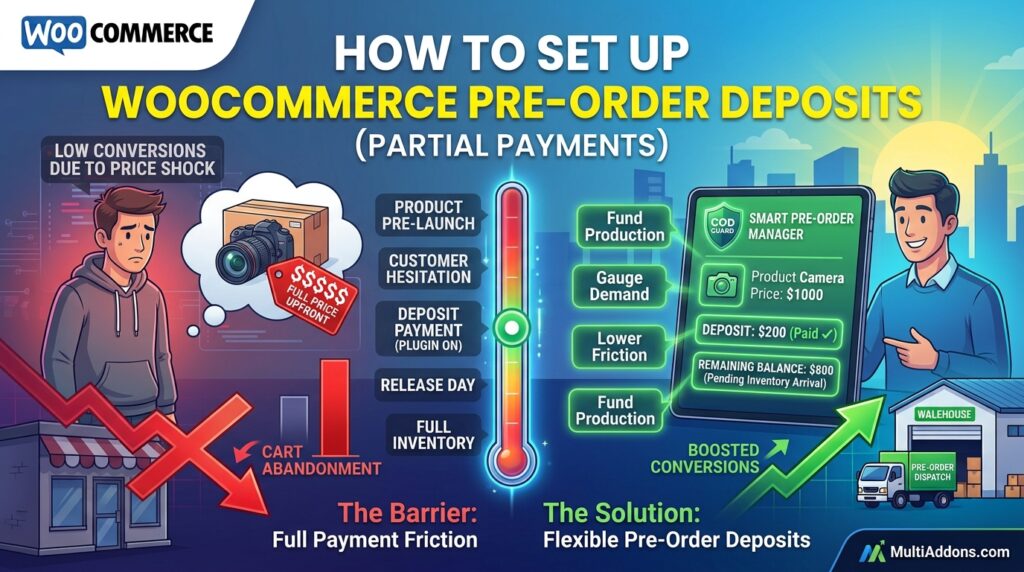
Asking shoppers to pay 100% upfront for an item shipping weeks in the future creates friction. However, offering no pre-order option at all leaves high-ticket sales on the table.
For example, customers hesitant to pay full price today will gladly pay a 20% or 50% deposit to reserve their spot.
Consequently, offering flexible WooCommerce pre-order deposits helps lock in buyer commitment while keeping upfront costs low.
Therefore, setting up partial payments gives your store a high-converting bridge between customer hesitation and full payment collection.
In this guide, you will learn how partial payments boost conversion rates. Furthermore, discover how to collect pre-order deposits in WooCommerce using Smart Pre-Order Manager.
Why Partial Payments and Deposits Outperform Full Upfront Charges
Forcing buyers to commit full funds long before delivery increases cart abandonment. In contrast, small deposits lower the barrier to entry while guaranteeing demand.
In fact, offering pre-order deposits delivers three key business advantages:
- Boost High-Ticket Conversions: First, make expensive products accessible by breaking payments into two manageable installments.
- Guarantee Buyer Commitment: Second, eliminate casual cancellations by requiring a non-refundable deposit upfront.
- Maintain Steady Cash Flow: Finally, fund raw material costs or supplier deposits immediately without waiting for product launches.
How Smart Pre-Order Manager Handles Deposits
Managing two-part payments manually using standard WooCommerce tools creates complex accounting headaches. Fortunately, Smart Pre-Order Manager for WooCommerce automates deposit collection and balance invoicing seamlessly.
Key Deposit Features in Smart Pre-Order Manager:
- Fixed or Percentage Deposits: First, charge a fixed dollar amount (e.g., $50 deposit) or a percentage (e.g., 25% down).
- Automated Balance Reminders: Second, send automatic email notifications requesting the remaining balance when stock arrives.
- Clear Price Displays: Third, highlight deposit amounts and remaining balances clearly on product and checkout pages.
- Flexible Cancellation Policies: In addition, configure deposit rules as refundable or non-refundable based on your store terms.
- One-Click Balance Payment: Finally, allow buyers to clear their remaining balance effortlessly through their user account dashboard.
3 Simple Steps to Start Collecting Deposits Today
- Set Deposit Rules: First, decide whether a fixed fee or percentage deposit works best for your pricing tier.
- Configure Smart Pre-Order Settings: Next, enable partial payments inside plugin settings and set custom balance email templates.
- Launch Your Deposit Promo: Finally, display clear deposit badges on product pages to let buyers reserve stock risk-free.
Unlock Flexible Pre-Order Payments Today
Stop losing potential pre-orders due to upfront price shock. Instead, drive early reservations with Smart Pre-Order Manager today.
Additionally, you can build a complete pre-launch strategy around your new items. For example, read our core guide on how to manage WooCommerce pre-orders effectively to automate release dates, button labels, and stock alerts.