
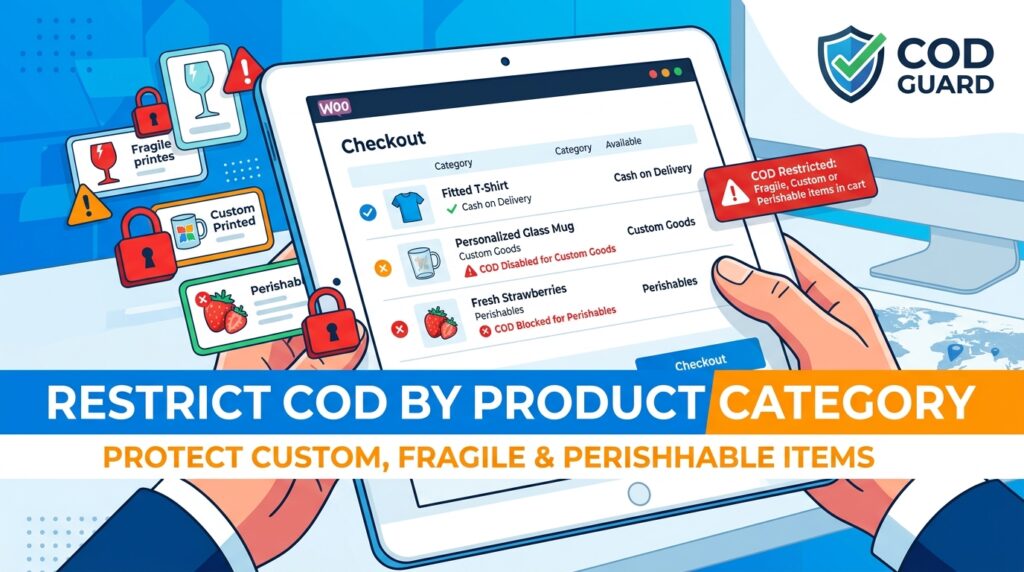
Offering Cash on Delivery for every product category across your store creates severe inventory risks. However, many store owners struggle to disable cash options when customers order perishable, customized, or high-value items.
For example, shipping custom-engraved merchandise or fresh food under cash terms leads to total inventory loss if the buyer cancels at the door.
Consequently, learning how to restrict COD by product category in WooCommerce enables you to secure upfront payments for high-risk item categories.
Therefore, applying category-based Cash on Delivery restrictions safeguards sensitive stock and ensures non-refundable items are always prepaid.
In this guide, you will learn how catalog-level payment rules preserve operating margins. Furthermore, discover how to restrict Cash on Delivery by product category using COD Guard.
Why Category-Based Payment Rules Preserve Product Margins
Applying blanket payment availability regardless of item types exposes your business to unrecoverable losses on specialized goods. In contrast, dynamically removing cash choices when restricted categories enter the cart protects high-risk inventory.
In fact, implementing category-level Cash on Delivery rules delivers three key operational advantages:
- Protect Made-to-Order & Custom Goods: First, require upfront digital payments for personalized items that cannot be restocked or resold if rejected.
- Safeguard Perishable & Fragile Stock: Second, eliminate uncollected cash deliveries for short-shelf-life products to prevent physical inventory waste.
- Prevent Digital & Physical Cart Conflicts: Finally, automatically enforce prepaid checkout terms whenever downloadable or virtual product categories are in the cart.
How COD Guard Enforces Category-Level Gateway Controls
Creating custom snippet logic to scan cart items for specific product categories in default WooCommerce is difficult to maintain. Fortunately, COD Guard for WooCommerce handles category-based payment limits using a intuitive visual interface.
Key Category Features in COD Guard:
- Flexible Category Selection: First, pick individual product categories or parent/child taxonomies that immediately trigger COD restrictions.
- Mixed-Cart Handling Logic: Second, decide whether cash payment disables if any restricted category item is present or only when all items match.
- Custom Cart Category Warnings: Third, display targeted cart notices informing buyers which items require prepaid payment gateways.
- Product-Level Overrides: In addition, refine rules at the individual SKU level to exclude specific high-performing items within restricted categories.
- Multi-Rule Safeguards: Finally, stack category restrictions with shipping zip codes or user roles for comprehensive payment risk defense.
3 Simple Steps to Lock Down Category-Based COD Today
- Identify Restricted Product Categories: First, review your catalog to isolate customized, perishable, or high-loss categories.
- Configure COD Guard Category Rules: Next, select restricted product categories inside the plugin rule panel and specify mixed-cart behavior.
- Verify Cart Category Toggles: Finally, add restricted products to a test cart to confirm Cash on Delivery disables seamlessly.
Protect Your Sensitive Inventory Today
Stop taking unnecessary risks on custom, perishable, or high-cost catalog items with uncollateralized cash orders. Instead, restrict payment gateways by product category and secure your inventory investment with COD Guard today.
Additionally, you can manage risks across delivery regions. For example, read our detailed guide on how to restrict COD by zip code in WooCommerce to block cash options in non-serviceable postal zones and cut return fees.